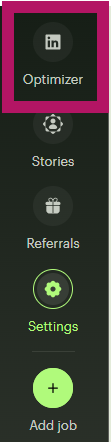
After logging into your account. Find and click the Optimizer link at the top left of the page.
Select Get Started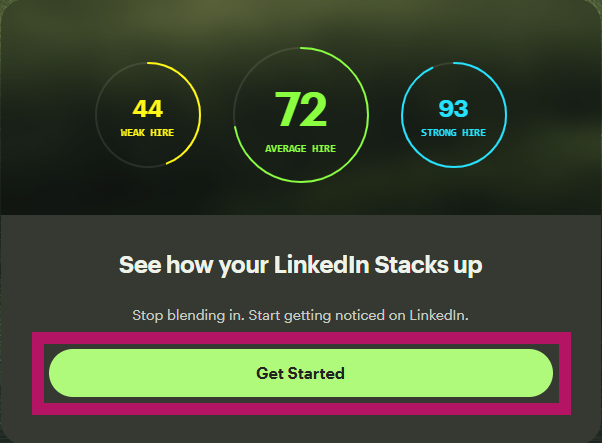
Download your LinkedIn profile PDF
Upload your PDF
After a few moments of processing, you will be directed through optimizing your LinkedIn profile. Select Optimize next to each role/description to engage with the AI Coach and elevate the description.
Update your LinkedIn Profile
After updating your descriptions with the AI Coach, you will need to copy and paste each description into your LinkedIn profile page.
Now that your LinkedIn profile has been updated, you are ready to start using the Resume Optimizer. The Resume Optimizer will allow you to get resumes tailored to the specific role you are applying to. Learn more about the Resume Optimizer here.